

Actionable Google Analytics Tips That’ll Boost Your Sale
Google Analytics is a powerful tool that can provide valuable insights to help boost your online sales. Here are some actionable tips to optimize your Google Analytics usage and enhance your sales performance:
Set Up E-commerce Tracking:
If you’re running an online store, enable e-commerce tracking in Google Analytics. This will allow you to track key metrics like revenue, conversion rates, and average order value.
Identify Top-Performing Products:
Use Google Analytics to identify your top-selling products. Knowing which products are most popular can help you optimize your marketing efforts and inventory management.
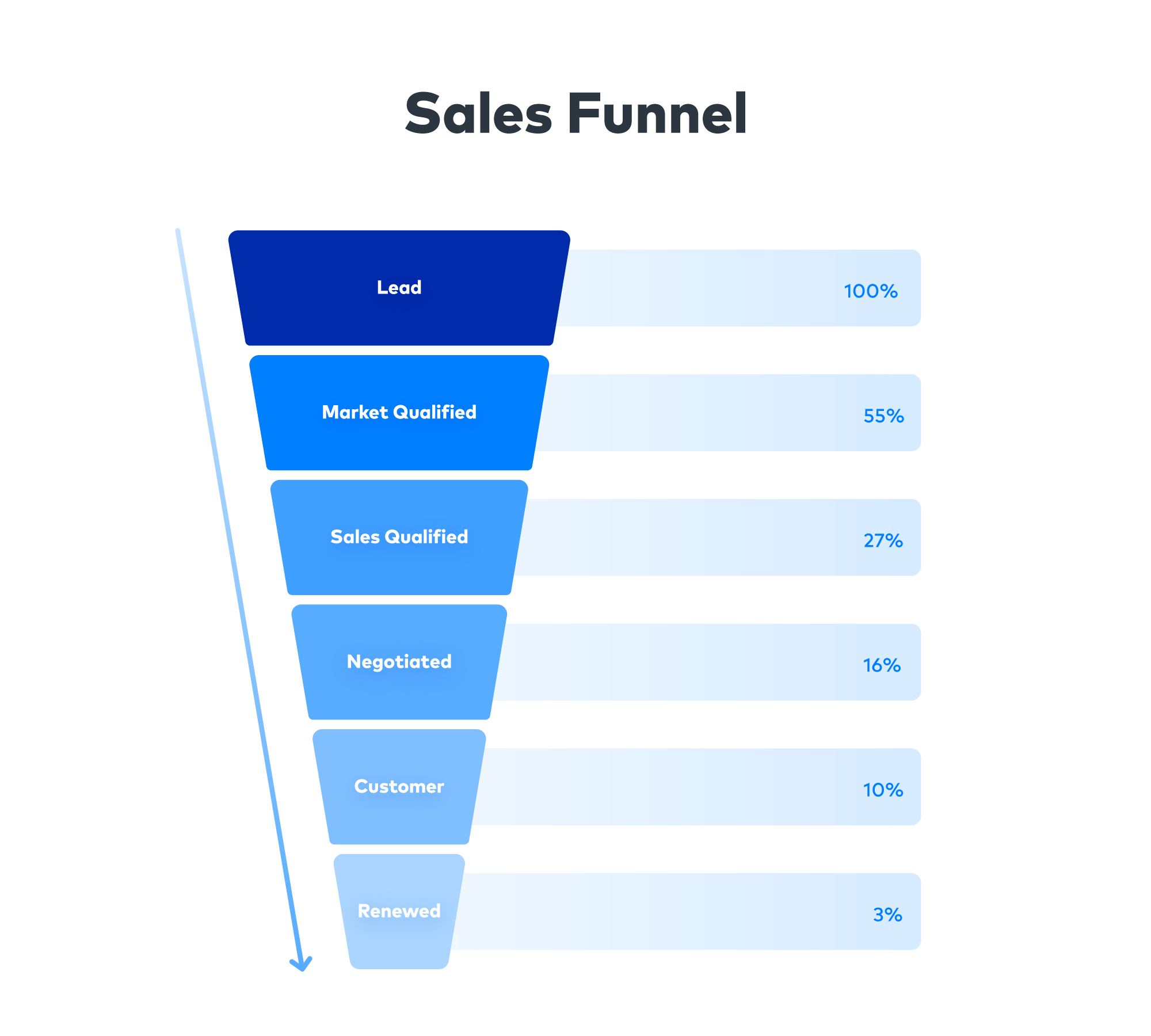
Analyze Sales Funnels:
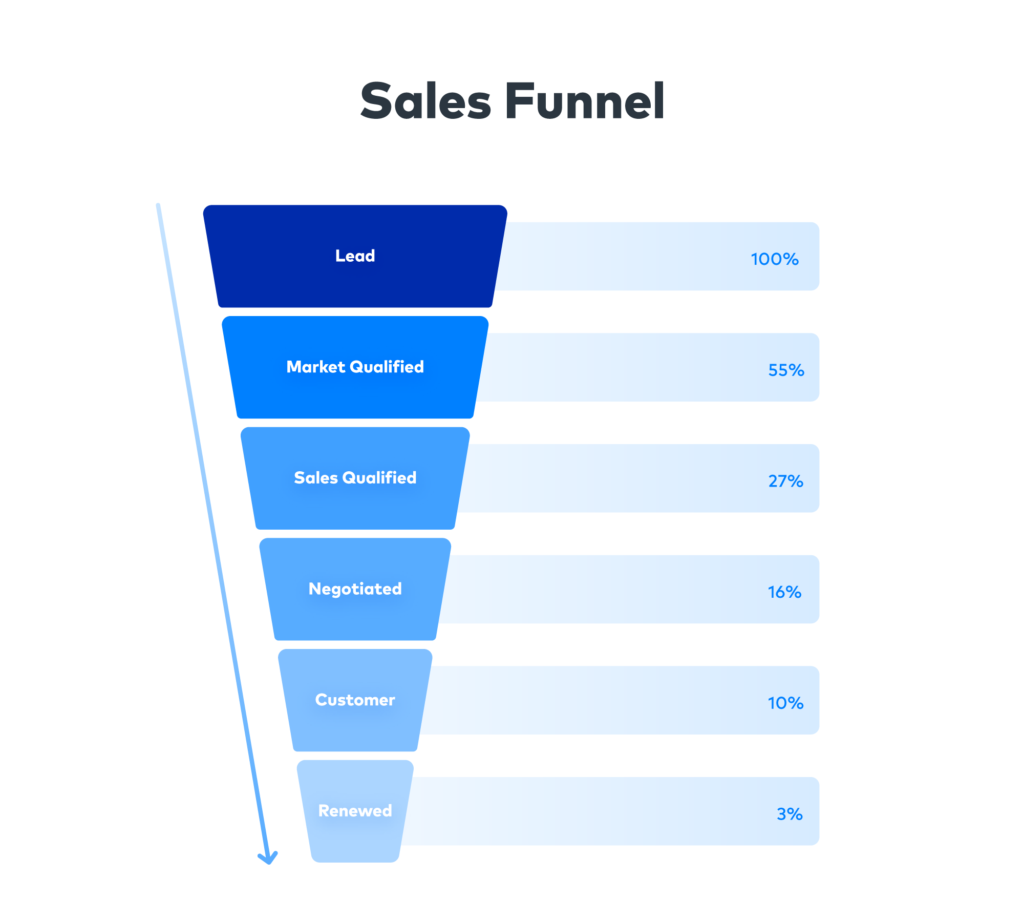
Review the sales funnel in Google Analytics to identify drop-off points in the conversion process. Address issues on pages where users abandon their shopping carts or exit the site.
Segment Your Audience:
Create audience segments in Google Analytics to better understand the behavior of different user groups. This allows you to tailor your marketing and content to specific segments, increasing relevance and conversion rates.
Track Traffic Sources:
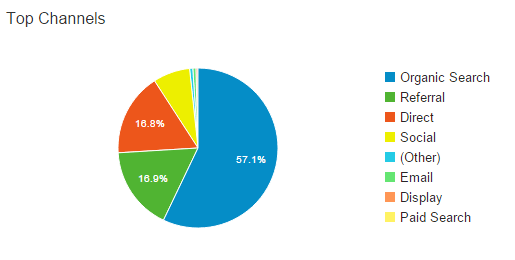
Analyze which channels are driving the most sales. This information can help you allocate your marketing budget effectively and focus on the channels that generate the best ROI.
Monitor Mobile Performance:
With the growth in mobile shopping, pay close attention to how your site performs on mobile devices. Optimize your site for mobile users to ensure a smooth shopping experience.
Use Enhanced E-commerce Reports:
Google Analytics offers enhanced e-commerce reports that provide detailed insights into shopping behavior, product performance, and more. Utilize these reports to make data-driven decisions.
Implement Event Tracking:
Set up event tracking for important user interactions, such as clicks on product images, video views, or downloads. This allows you to track user engagement and identify which content drives sales.
Monitor Site Speed:
Slow-loading pages can lead to higher bounce rates and abandoned carts. Use Google Analytics to identify performance bottlenecks and work on optimizing your website’s speed.
Track Site Search Queries:
If your site has a search function, monitor the search queries made by users. Analyze the popular queries to understand what customers are looking for and make improvements based on those insights.
Utilize Goals and Conversions:
Set up goals and track conversions to measure specific actions on your website, such as form submissions, newsletter sign-ups, or reaching a specific page. This can help you understand user behavior and optimize your site accordingly.
Implement Enhanced Social Reports:
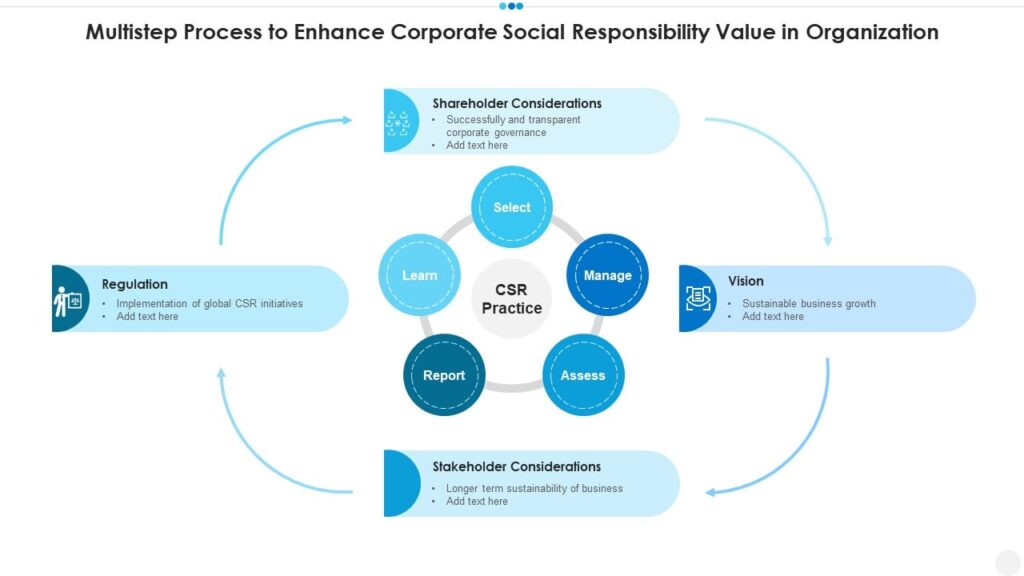
If you’re active on social media, use Google Analytics’ Enhanced Social Reports to track the impact of social platforms on your sales and conversions.
A/B Testing:
Use Google Analytics in conjunction with A/B testing tools to experiment with different page elements, headlines, and product descriptions to optimize your conversion rates.
Regularly Review and Act on Data:
Continuously review your Google Analytics data and act on the insights gained. Make data-driven decisions to refine your marketing strategies and improve the user experience.
Stay Informed and Learn:
Google Analytics is a complex tool with many features. Invest time in learning about its capabilities through online courses and documentation. Staying informed will help you make the most of the platform.
By applying these Google Analytics tips and staying proactive in optimizing your online store, you can enhance your sales performance and improve your overall e-commerce strategy.